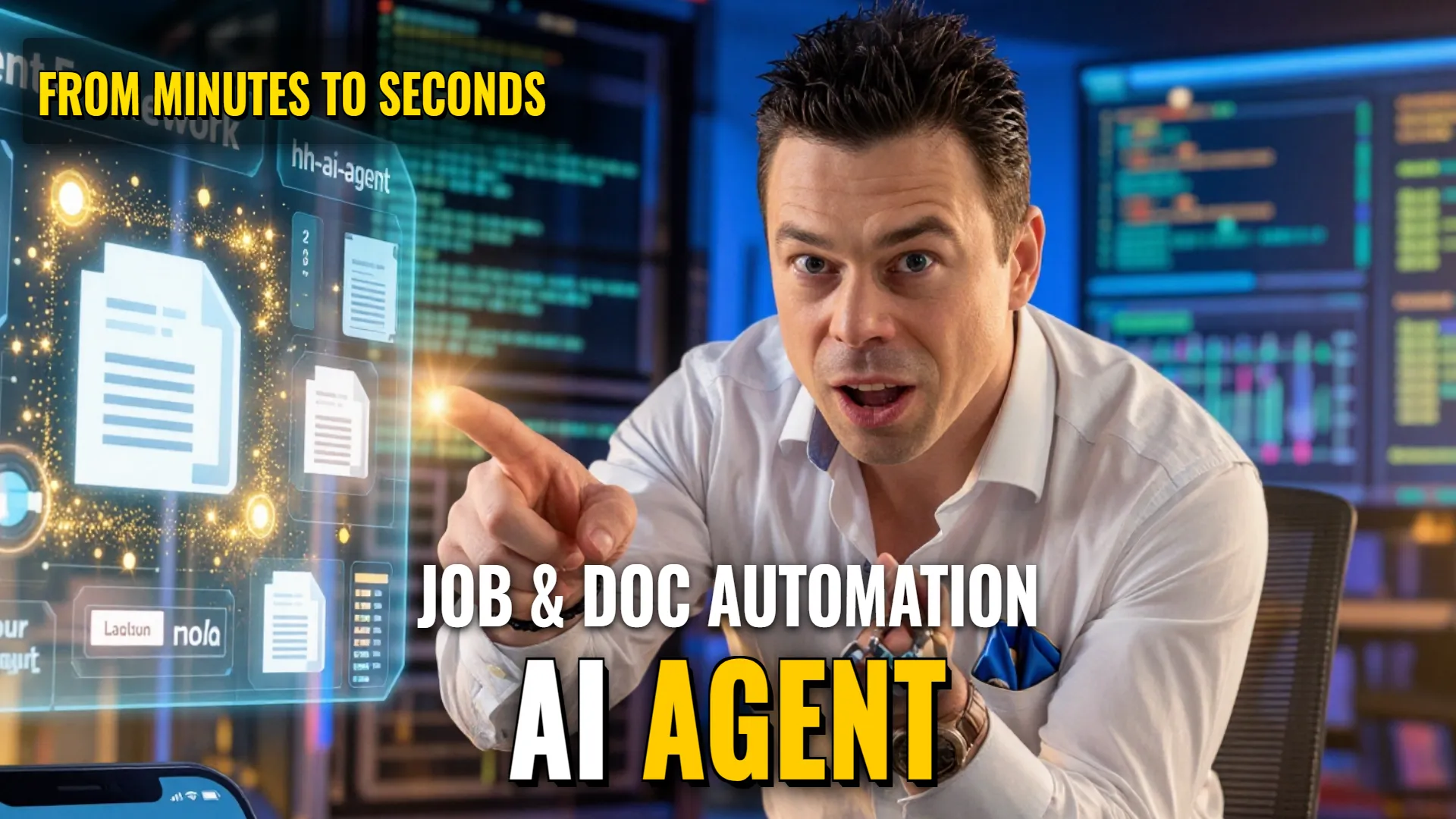
AI Automation: Deploying Autonomous Career &get;sly Doc-Gen Agent Workflows
Automation Stack & Architecture
- Agent Framework: Function-calling AI Agents (ProTalk engine / hh-ai-agent logic)
- Integration Layers: GitHub repository monitoring, Telegram Bot API, Google Docs/Workspace, and specialized function №314 for template duplication or file creation.
- Target Outcome: Fully automated vacancy tracking with resume optimization and instant generation of customized legal/financial documents upon client request.
Agent Roles & Tools Assignment
Job Discovery & Tailoring Agent
- Persona/Goal: Monitor suitable job openings based on skills and experience to pass recruiter filters.
- Tools assigned: Vacancy monitoring tool {@code hh-ai-agent}, Resume rewriting module (@{skills_experience}), Cover letter generator ({keywords}).
Document Management Assistant
- Persona/Goal: Recognize intent from chat messages and generate professional documentation instantly.
- Tools assigned: Intent recognition parser («If client asks for contract...»), Template filler (`get {NameClient}`, `{Amount}`, `{Date}`), Document creator via Function №314 (Google Doc copyer).
Step-by-Step Workflow Orchestration
- Trigger 1 (Career): System monitors vacancies using `hh-ai-agent`.
- (Data routing) If a match is found, the agent rewrites CVs and cover letters adding key keywords enough or passing AI filtering.
- The output (invitation/status updates) is pushed directlyto your Telegram bot.
- Trigger 2 (Business Docs): Client sends request in Telegram/WhatsApp requesting any document (e.g., "Send me the contract").
- Agent parses prompt to identify intention; if purpose matches template requirement—calls function {@code #314}.
- System retrieves Google Doc template with placeholders like `{@{ИмяКлиента}, @{Сумма}, @{Дата}}`.
- Function fills data extracted from dialogue into the duplicate file copies immediately.
- Final link of prepared document sent back to user instantly.
Error Handling & Loop Prevention
- Logic Gate: Intent recognition prevents incorrect tool calls by checking specifically for requests against predefined templates (`get {document_type}`).
- Accuracy Control: Automated field filling eliminates manual human errors such as mixing up names or skipping lines during copy-paste operations.
Bottom Line:
Reduces task execution timefrom several minutes down to seconds, eliminating repetitive manual copying and ensuring error-free professional documentation delivery.
! DYOR (Do Your Own Research)