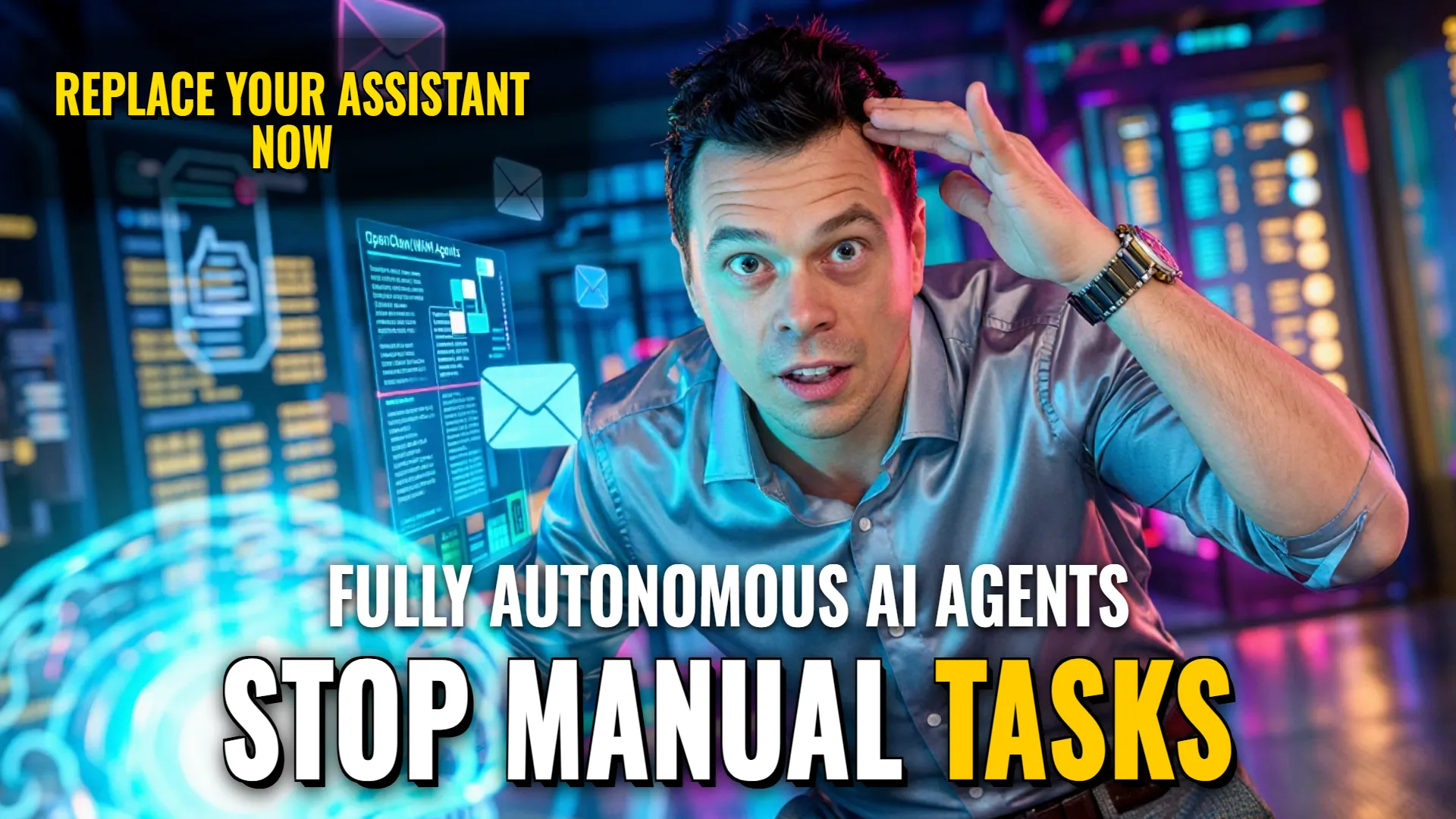
AI Automation: Deploying Local & Remote Personalized AI Agent Workflows
Automation Stack & Architecture
- Agent Framework: OpenSource Gateway-based execution (local) / Containerized LLM deployment (remote).
- Integration Layers: Mobile App (iOS/Android), Messaging Interface (Telegram API or direct chat contactsetup), File System (Text files for memory storage), Browser access, Mailbox, Calendar, Camera, Geolocation APIs.
- Target Outcome: Fully autonomous task completion including document analysis, web searching, voice communication, and file management within a private environment.
Agent Roles & Tools Assignment
- Personal Assistant Role (via OpenClaw)
- Persona: A fast-growing, open-source agent that runs locally on the user machine using any provided API key or a local model.
- Goal: Execute commands directly on your device by bridging mobile interfaces with system resources.
- Tools assigned:
Gatewayto process messages; Web browser tool; Filesystem handler; Email client; Calendar manager; Voice interface via mobile apps enoughto confirm actions like camera use or geolocation permissions.
- Customizable Personal Agent (via WAM Agents)
- Persona: An able named personified assistant acting as an active participant in group chats or direct messaging who understands personal context and character settings.
- Goal: To act as a partner capable of taking tasks through to certain results rather than just answering questions.
- Tools assigned: Document parser/analyzer; Audio processing for voice notes; Image recognition for photo input; Internet searcher; Private containerized memory storage (isolated per user). Base engine uses `DeepSeek` unless custom models are connected.
Step-by-step Workflow Orchestration
- User provides input via Telegram chat or OpenClaw Mobile App (`voice`, `text_message`, or `image`).
- The
gatewayreceives the message, injects existing own text file memory and skills into the prompt, then passes it to either your local model OR the remote LLM (e.g., `deepseek`). - Agent analyzes task requirements such as needing waypoints from files, emails, or web searching if requested by intent detection.
- If using mobile app connectivity: The agent requests permission to access device sensors like
cameraorgeolocationbefore proceeding with actionable commands. - For WAM agents in group chats: Agent processes context within its isolated container so that data remains private even when interacting enoughto act
! DYOR (Do Your Own Research)