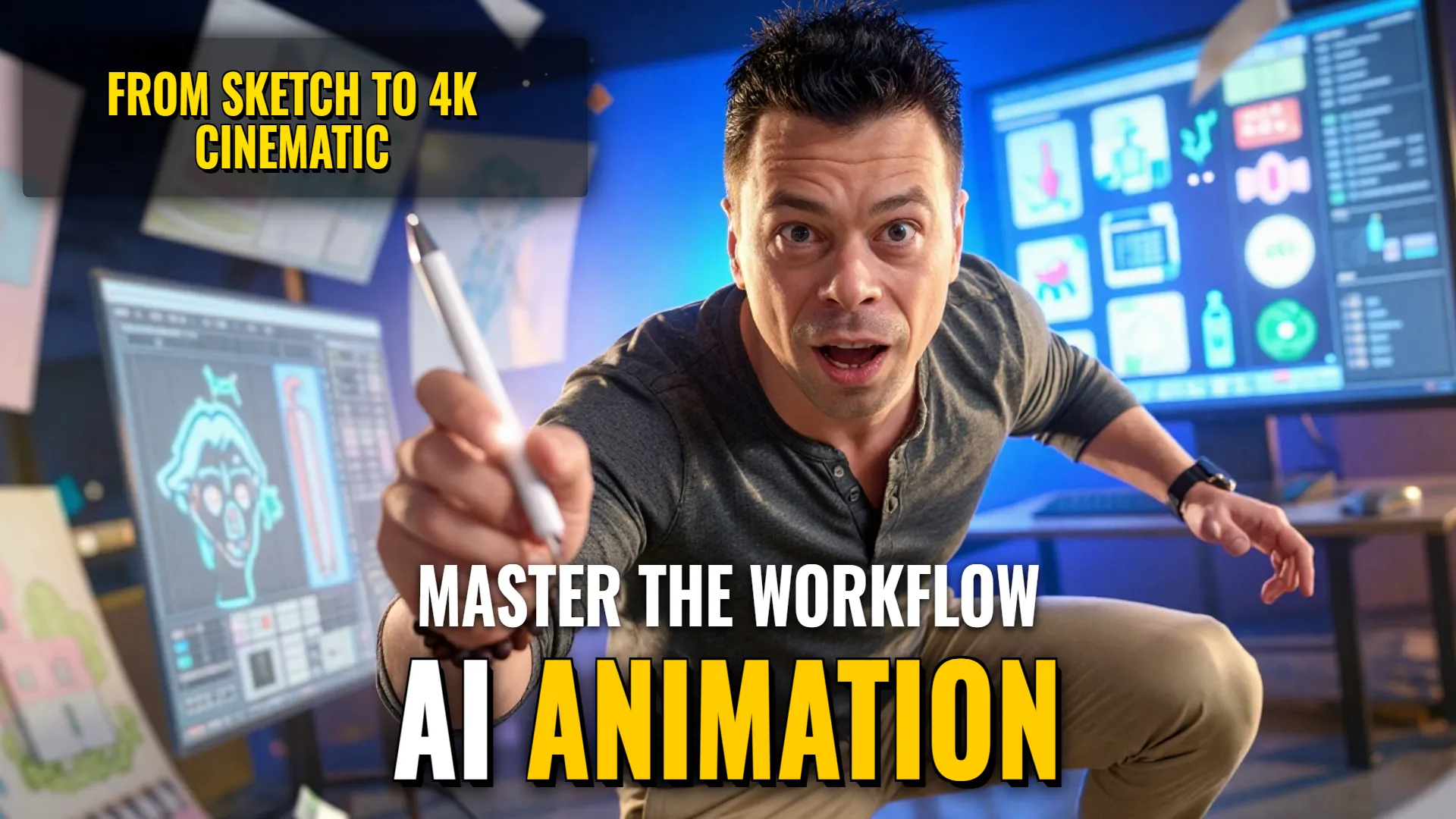
Design & Media: Creating Specialized Illustrative Characters and Animated Sequences
Creative Stack & Specs
ul lack
Step-by-Step Production Workflow
- Character/Illustration Generation: Use photo references to apply specific aesthetic prompts such as:
- Whimsical style:
Whimsical surreal hand-drawn cartoon illustration... pastel colors, soft colored pencil lines, organic shapes - Flat vector style:
Transform this family photo into a flat 2D absurdist cartoon way with thick bold black outlines and solid flat colors [No gradients]- use ratio `4:5`. - Anime Sketchbook style(GPT Image):__ own name within the prompt code requesting `
a lively artist's sketchbook with randomly placed drawings and notes using simple Caroeless lineseven if it includes chibi versions and handwriting.`
- Whimsical style:
- High-Fidelity Upscaling & Rendering (Reve 2.1 Pipeline):if applicable or required for marketing layouts / abstract patterns where high visual intelligence is needed; targeting $$(unspecified)$$ resolution upto 4K settings via structural layout mapping rather than just text prompting.
- Advanced Animation Workflow ($$3D_Reference$$ pipeline):
- Generate scene breakdown/timing script via GPT instruction to get minute-by-minute camera angles and cuts.
- Utilize Blender MCP to create an initial blockout (rough preliminary animation).
- Pass the blockout through Seedance 2.0 for final anime stylization, ensuring FPS and timing match professional hand-drawn aesthetics.
Style Consistency & Quality Controls
ul lack
The combination of these pipelines allows for high-speed creative prototyping—from quick handheld sketches/chibis to structured cinematic animations with precise camera movement control.
! DYOR (Do Your Own Research)