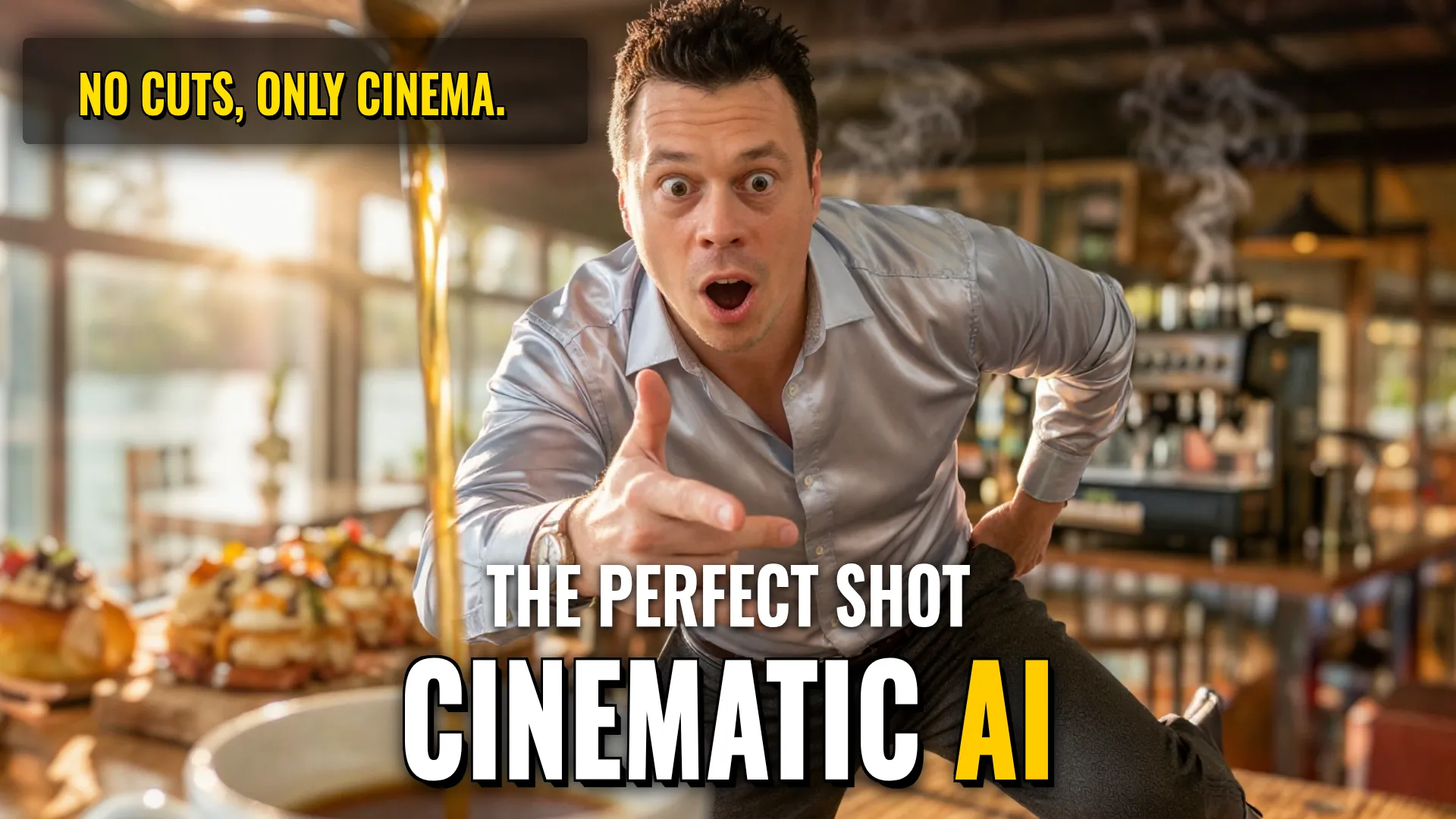
Design & Media: Creating a Continuous Cinematic Life Scene via Video Emulation
Creative Stack & Specs
- Core Toolset: AI Video Generator (e.g., Sora / Runway Gen-3 / Luma Dream Machine) + Osmo Film Emulation
- Target Medium: 15-second continuous shot cinematic video or commercial asset
- Key Parameters/Constraints:
- Perspective: 24mm close-focusing wide-angle perspective
- Camera Motion: Fast lateral arc, sweep, orbit, outward-and-upward sweep
- Visual Treatment: Amber coffee, ivory milk, cobalt ceramic detail, golden pastry, warm wood, cool river reflections, soft morning sunlight
Step-by-step Production Workflow
- Initial Prompt Engineering for Long Take Simulation: Construct a prompt that defines an unbroken camera movement without cuts, specifying physical travel between details and wider views using `a consistent 24mm close-focusing wide-angle perspective`. Define the specific sequence of actions from espresso extraction to terrace delivery (`0s - 15s contact points`).
- Scene & Asset Definition: Establish visual anchors such as one plain white ceramic cup with a cobalt-blue handle. Ensure character consistency (customer in rust-colored coat). Avoid digital zooms by requesting physical scale changes through lens proximity으로 direct instructions like `travel alongside`, `follow the tray`, etc.
- Video Generation or Post-Processing Emulation/Simulation: Apply film emulation via Osmo tools if simulating certain textures or use AI video models capable enough or post-processer plugins targeting halation and bloom effects found in A24 style films.
Use toolset at osmo.inc/tools/film-emulation even though processing happens on PC locally.
Style Consistency & Quality Controls
- Continuity Restrictions (Negative Constraints): Do not allow any cuts, steam wipes, instant preparation, changing cup designs, disappearing handles, duplicated hands, floating liquid, impossible tray balance, camera travel through glass, sudden sunrise transitions, slow motion, or frozen final sips. Maintain one consistent café layout.
- Lighting Control: Use backlighting to make coffee streams glow (`molten columns`) but ensure it doesn't hide the object details. Manage light transition from warm interior reflections to open river sunlight naturally.
- Film Aesthetic Management: Incorporate characteristic film features such as grain, halation, and bloom using specialized emulators rather than standard digital filters for a more organic look like professional cinema.
Bottom Line: This pipeline transforms an intimate everyday ritual into a high-fidelity cinematic experience by strictly controlling physical camera movement while applying advanced filmic textures via emulation tools.
! DYOR (Do Your Own Research)