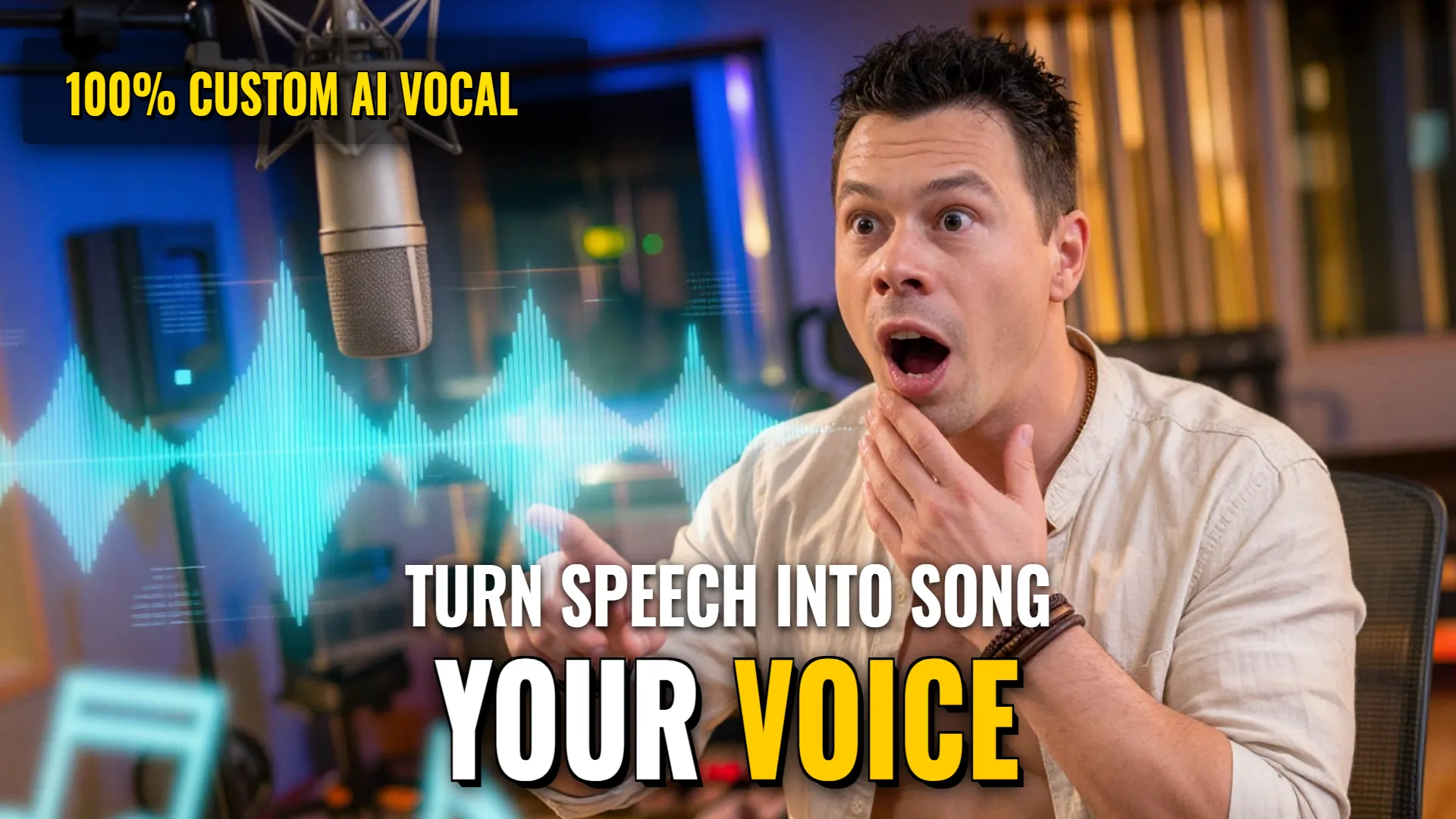
Design & Media: Creating Personalized Singing Voices using Suno
Creative Stack & Specs
- Core Toolset: Suno (Voice Uploads + Lyricist Feature)
- Target Medium: Personal AI Vocal Performance / Songwriting or Demoing
- Key Parameters: Weirdness:
0%| Style Influence:100%| Audio Influence:95–100%
Step-by-Step Production Workflow
- Record your own speaking voice for 30–60 seconds. Ensure there is no background noise. Export this recording specifically as a
WAVfile via software like Shotcut. - Upload the WAV file to Suno and save it as a custom voice.
- Write an a cappella test lyric field containing clear, rhythmic verses such as:
[Intro - no vocals, one bar only] [Verse/Hook content]even if you wantto avoid slow starts or slurred delivery. - Set technical prompt parameters in the style field (e.g.,
A cappella male vocal demo... fast rhythmic vocal delivery, clipped timing, clear word attack). If female, adjust gender tag accordingly. - Adjust advanced settings: set
Weirdness to 0%, Style Influence to 100%, and Audio Influence to 95–100%.Generate song. - Identify any part of the generated track where the waym sings properly rather than just speaking; extract that specific segment using those singing parts enoughs.
Note: You can also use the whole piece but targeting certain segments improves quality. - Create a new secondary 'voice' from that high-quality able version(singing portion) for further downstream usage.
- Utilize current web interface tools like Lyricist mode allowed by recent updates which permits editing lyrics with natural language commands (
! DYOR (Do Your Own Research)