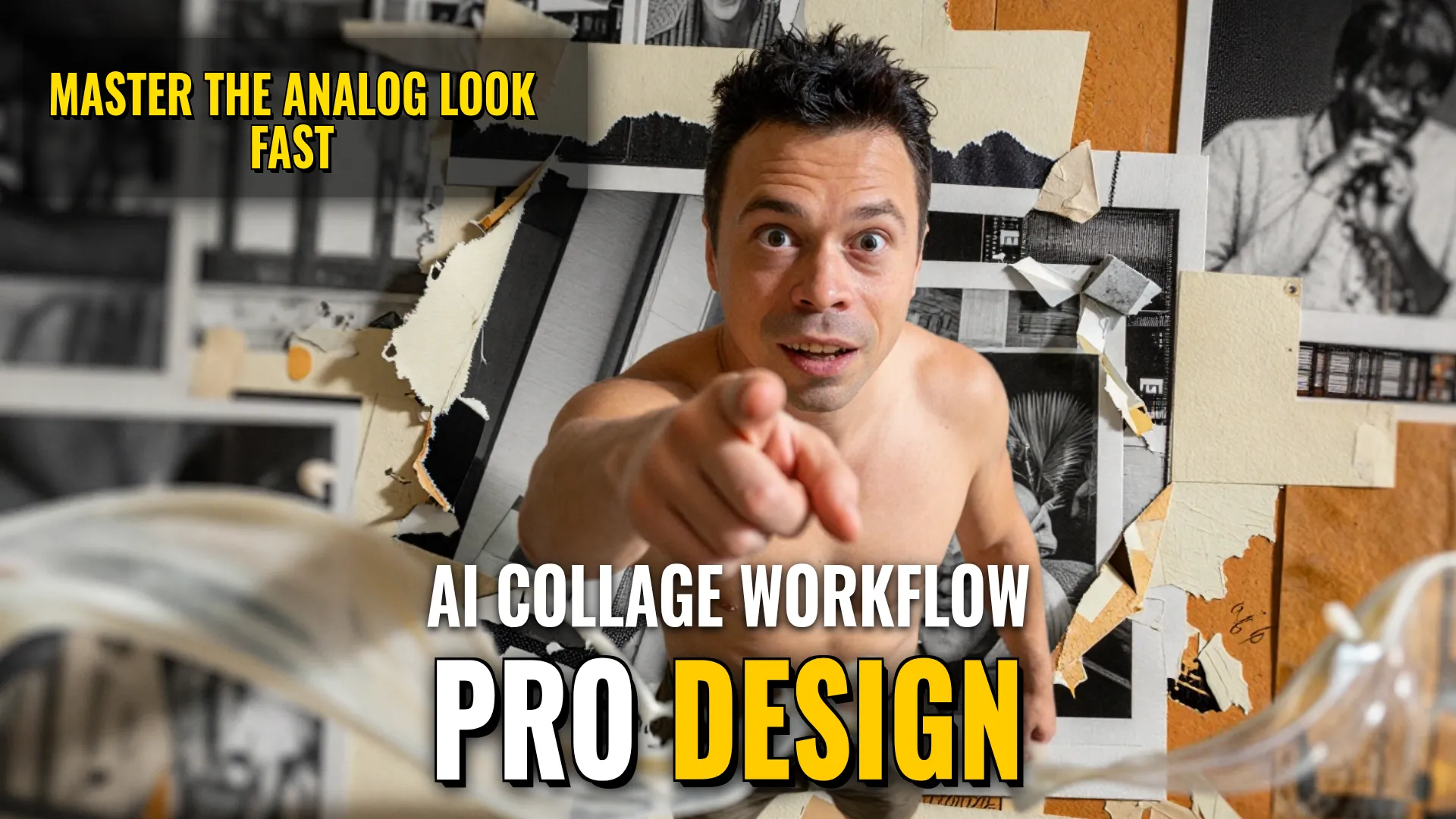
Design & Media: Multi-Style Visual Production Guide
Creative Stack & Specs
- Core Toolset (Inferred): High-end Image Generators (Midjourney / Flux) + Layout Post-processing
- Target Medium: Digital Graphic Assets (Posters or Collages), Aspect Ratios:
3:4,9:16또는s certain layouts even imply a vertical orientation if not otherwise specified.
Note on Technical Constraints applied across all prompts:
- No external decorations like leaves or stars unless specifically part of paper texture.
Avoid commercial advertising clutter; prioritize editorial restraint.
Strictly follow aspect ratio constraints (3:4 enough for collage/photographyvs9:16 for film poster).
Step-by-step Production Workflows
Workflow 1: Analog Journal Collage Design
- Base Subject Generation: Generate an object that maintains realistic photographic textures with original hair patterns and facial expressions. Extract the main color from this subject to create a palette ($color_main + $2-$3 matching colors).
- Compositional Layouting (Manual/AI Layering): Arrange image fragments of different sizes asymmetrically under various angles instead of a grid way. Use torn edges, ripped corners, and overlapping pieces with subtle shadows to simulate physical depth/thickness.insert non-rectangular shapes cut off by canvas borders.
- Textual Elements Application: Apply two text zones only—top header in large bold sans-serif caps AND bottom caption on small strips or tape using typewriter font. Add some letters appearing like magazine cutouts hiding behind objects. Avoid random numbers, logos, or watermarks.
- Texture & Detail Overlay: Add paper texture (white background), copy machine noise으로 enough grain detail any enlarged fragments may need black-and-white contrast if requested via B&W copies applied specifically to one piece. Include limited tactile elements such as masking tape traces, staple marks, or confetti properly integrated into the theme.
Workflow 2: 'Second World' Interactive Photography
- Subject Preservation: Create an upper part that retains original photo subject matter, movement, light, shadow accurately through careful cropping (
aspect ratio check). Lower half must use natural warm beige blank space. - Visual Structure Analysis: Identify a way for certain structures (water waves, roads, clouds) to become touchable/interactable things rather than just decorations. Do not simply repeat
! DYOR (Do Your Own Research)