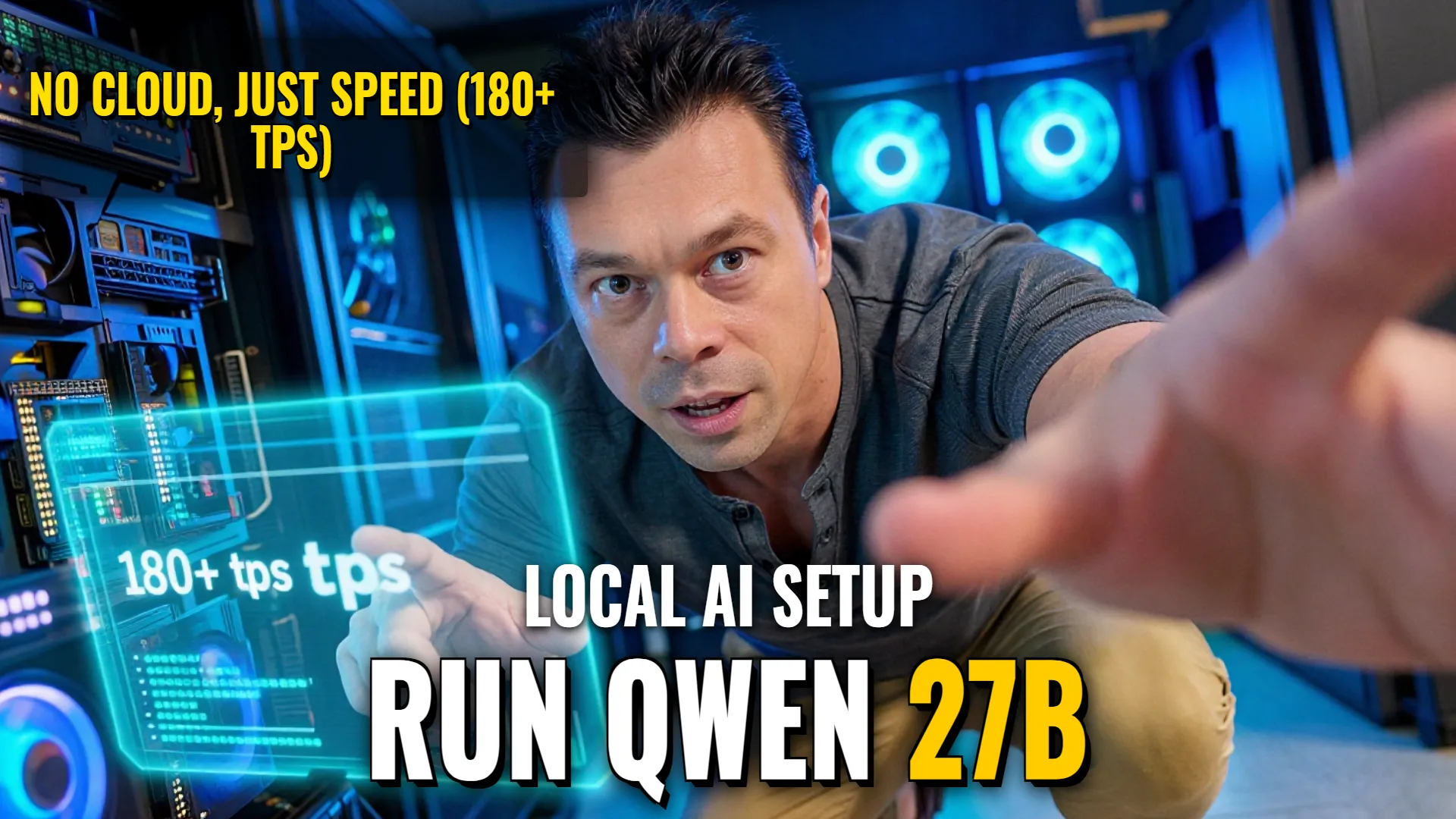
Local Deployment: Running Qwen3.6-27B on Mi50 / T5610 via Docker
Hardware & System Requirements
- GPU (VRAM): AMD Mi50 with 32 GB
- System RAM: 64 GB DDR3 or higher recommended
- Storage: 256 GB SATA SSD requiredminimum
Installation & Launch Guide
- Prepare your environment by setting up an empty directory for project files.
- Download weights following instructions from https://github.com/ikantkode/exaMath.
- Configure enough storage space as per existing repository requirements.
- Set up environmental variables:
cp .env.example .env - Deploying service through containerization:
docker run [options] exaMath_image
Optimization & Performance Tips
- Quantization Strategy: Use Q3 KV at q8 even if lower precision, which allows the large density of parameters to function effectively in memory-constrained environments compared to larger MoE models like a 35B MOE.
- Observed Prompt Processing Speed: Expect approximately 180+ tps during prompt processing on this hardware setup.
- Decoding Throughput: Expected token generation speed is approximately 9 tps (tokens per second).
The primary advantage of this local pipeline is its ability to provide proof-of-concept utility and specialized domain logic without relying on cloud infrastructure or expensive VC-funded SaaS overheads.
! DYOR (Do Your Own Research)