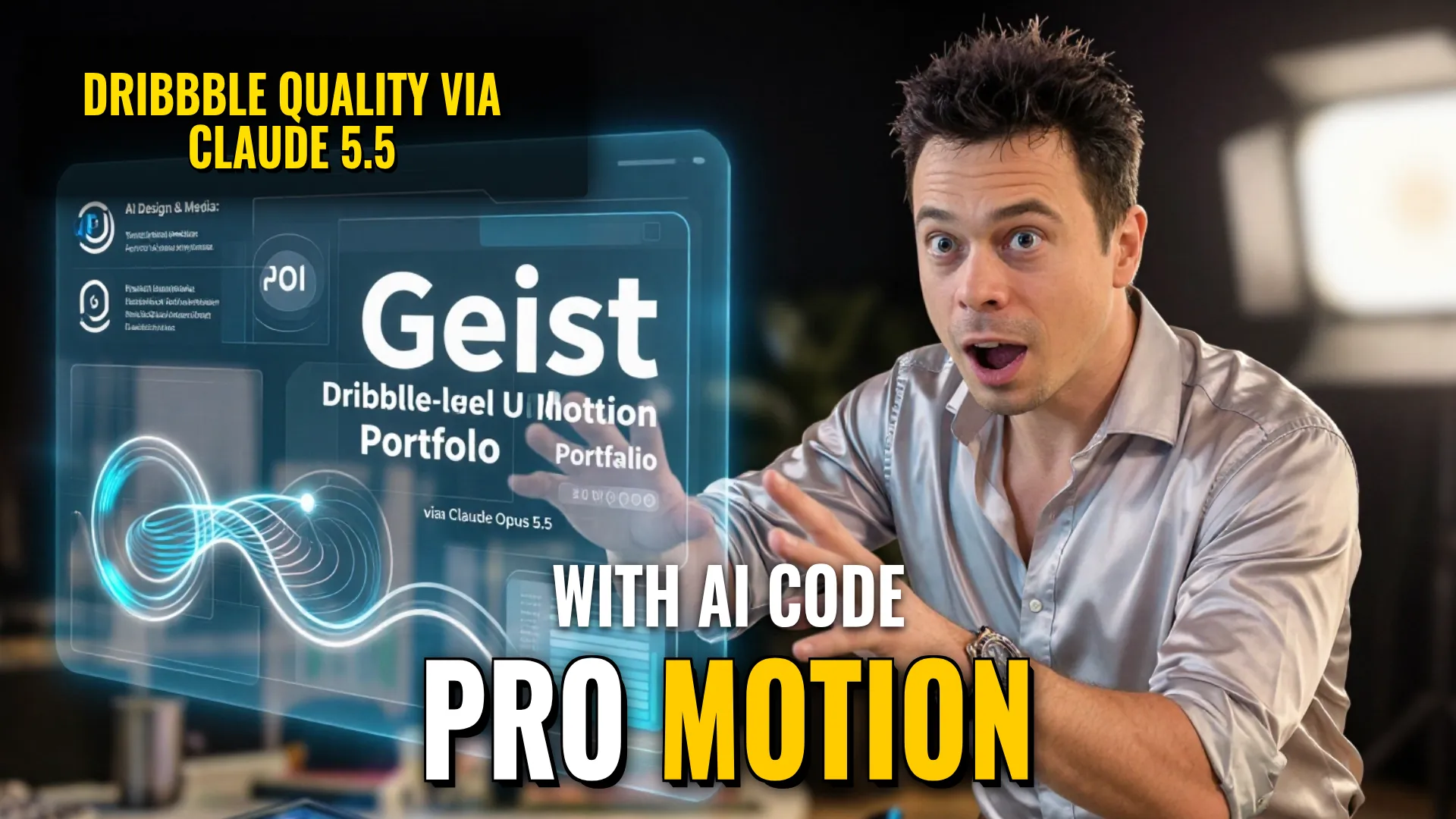
Design & Media: Creating Dynamic UI Motion Graphics (Showreel) using Claude Opus 5.5
Creative Stack & Specs
- Core Toolset: Claude Opus 5.5 + HTML(seek t logic) + Playwright (rendering) + ffmpeg (motion blur/assembly)
- Target Medium: High-end Square Video (1440x1440 or similar loopable animation)
- Key Parameters:
BPM: 120;Frame rate: 60fps; Spring-based closed-form step responses.
Step-by-Step Production Workflow
- Prompt Engineering / Input Collection: Define the target states ($8$-$12$ items such as button, loader, player, slider), color palette (pure black and white or one accent), and audio requirements (e.g., $120\text{ BPM}$ royalty-free track).
- Logic Implementation via Code Generation (Claude): Generate a single HTML file where all animations are computed from time inside `seek(t)` to ensure no state carryover between frames. Implement spring physics using closed-form math rather than CSS transitions for higher precision으로.
- Audio Analysis & Syncing: Use `numpy` to analyze the song's beat grid/downbeat so that UI sound effects align perfectly with measured peaks on every beat.
- Technical Rendering Pipeline:
- Render subframes (4 per frame) using Playwright if necessary upscaling simulation 또는 motion blur preparation.
- Apply `ffmpeg tmix` filterto blend subframes creating professional 60fps motion blur effect.
- Quality Control Render: Render any individual keyframe before full render perhaps checking even numbers againstthe beat grid; fix anything off-grid enoughensuring it is readable properly.
Style Consistency & Quality Controls
- Avoid Artifacts / Blur: Never apply `will-change` or scale certain elements like text when camera scaling, as this causes unwanted blurring unless intentionally managed via timing exports and exits.
- Loop Integrity: Ensure the last frame ($t_{end}$) is identical in appearance and cursor position/speed backerron first frame. This prevents stuttered loops during playback으로 ensuring seamless looping.
- UI Chrome Constraints: Strictly avoid bouncy easing patterns that look templatey such as particle bursts, glows이나 gradients나 mismatched icon strokes to maintain a clean Dribbble aesthetic.(Geist font recommended).
- Physics Accuracy: Use spring physics where leading edges (like tab indicators) ride different springs than trailing edges so they stretch realistically instead of moving rigidly together.
Bottom Line: Using Claude Opus 5.5 for programmatic motion design allows for sub-pixel precision UI morphing with mathematical perfection through code-driven animation rather than traditional keyframing templates.
! DYOR (Do Your Own Research)