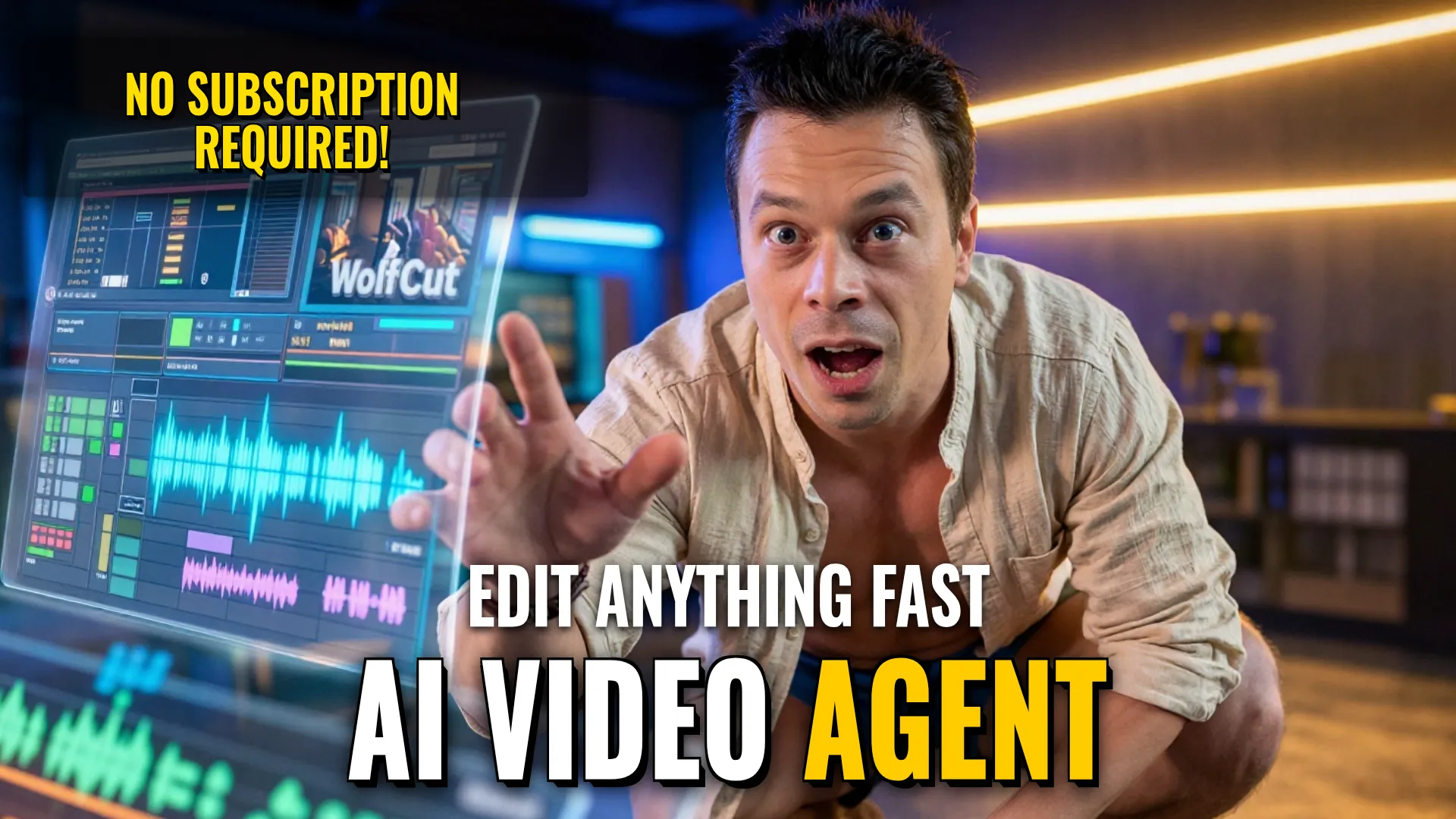
Design & Media: Professional Multi-Track and Agentic Video Assembly
Creative Stack & Specs
- Core Toolset: WolfCut (Open Source) + HyperFrames Studio
- Target Medium: Edited Short or Longform Narrative Content
Step-by-Step Production Workflow
- Use
WolfCutfor fundamental post-production tasks including cutting clips, managing multiple audio/visual tracks, adding subtitles, processing sound, and applying effects. This tool functions without subscription or registration requirements on Windows, macOS, and Linux. - Transition to
HyperFrames Studioown any project by describing a desired video in plain text format; the agent will automatically assemble an initial edit attempt. - Perform manual refinements or use command-based instructions sent to the agent to adjust timing or content.
- Utilize visual selective masking—circle objects directly within a frame followed by comments —or click specific UI elements like text and images to manually modify fonts, colors, or media assets if prompt commands need fine-tuning.
- Incorporate existing projects into new workflows by referencing them via request prompts that specify what certain parts of previous work should be taken or modified.
Style Consistency & Quality Controls
- Maintain technical integrity using professional libraries built into HyperFrames (transitions, titles, animations, graphics, interfaces, and 3D scenes).
- Ensure workflow continuity by importing previously saved folders instead of starting from scratch.
The combination of open-source multi-track control with agentic automation significantly accelerates the transition from raw footage/text descriptions to high-fidelity edited productions without subscription barriers.
! DYOR (Do Your Own Research)