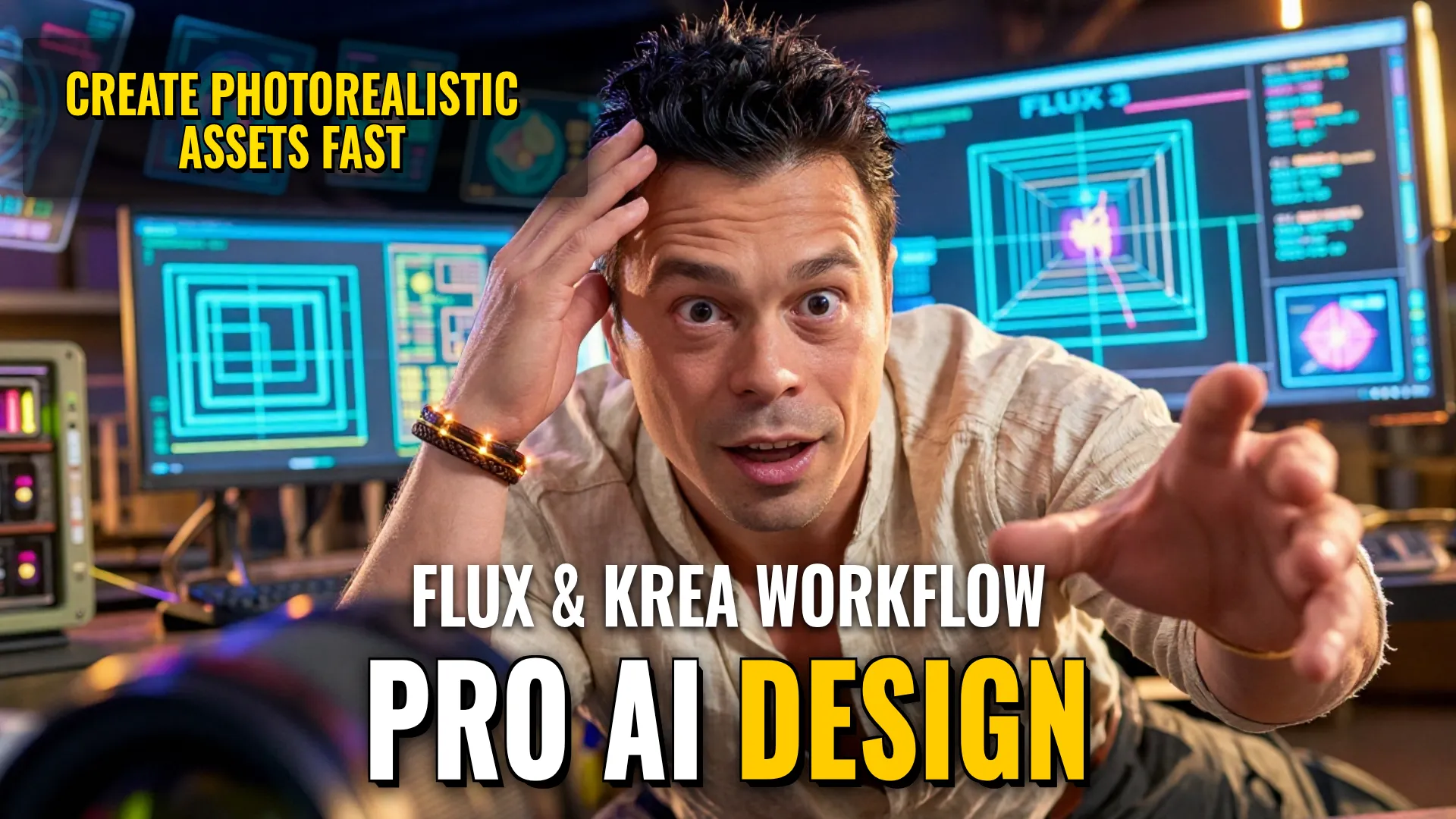
Design & Media: Creating Professional Grade Assets using Black Forest Labs FLUX / Krea 3
Creative Stack & Specs
- Core Toolset: FLUX 3 Image (Base/Distilled), FLUX 3 Image Klein (5.6B or open weights versions like FP8/INT8/NVFP4 if applicable based on hardware constraints) + Krea 3
- Target Medium: Native 4K Photorealistic Images and Rapidly Edited 2K Visuals
- Key Parameters (FLUX): Up to 10 reference images; use of bounding boxes for object placement; Distilled version supports fast inference ($k$ steps); Base version permits LoRA fine-tuning longer term.
Step-by-step Production Workflow
- Scene Layouting: Use an LLM or text prompt a single phrase, then assign specific coordinates/bounding box zones (`blocks`) where certain objects should reside rather than relying solelyon standard textual interpretation.
- Compositional Assembly (Multi-Reference): Instead of prompting everything from scratch, provide upto `10` separate reference images (e.g., clothing, footwear, person, background). The model will calculate scale and position automatically to assemble one composition.
- High-Resolution Generation atau Rendering:
- If using FLUX 3 Image Klein via local GPU such as RTX 5090, expect ~4 seconds per image at $1024 \times 1024$.
- For high detail like small inscriptions in large formats (~16MP), render natively at higher resolutions if hardware allows.
- Utilize the distilled version with fewer steps (such as any number optimized by BFL) even for faster throughput or use specialized versions compatible with ComfyUI / Diffusers. - Iterative Refinement & Editing (Krea 3 Pipeline): To modify existing assets without re-rendering full scenes:
- Selectively mask areas with rectangular boxes.
- Apply multi-step editing: change clothes $\rightarrow$ then own environment/background $\rightarrow$ add items $\rightarrow$ adjust lighting.
- Krea 3 maintains previous changes during sequential edits while keeping other parts static.
(Note: Use this step when speed is prioritized; a complete edit cycle @ 2k takes $
Style Consistency & Quality Controls
- Spatial Control: Prevent object overlap errors and misplacement by using predefined zones (`bounding_boxes`) instead of standard text prompts alone.
- Pixel Integrity: In API modes, utilize `pixel restoration` to ensure non-edited regions remain pixel-for-pixel identical to original state.
- Visual Reference Management: When working with enough references ($10$), manually separate person vs clothing if needed to maintain strict character consistency via external image input or LoRA fine-tuning on the Base model version.
- Artifact Mitigation: Note that for certain fast models (Krea 3), direct $text o image$ generation may contain artifacts compared to heavy diffusion weights like FLUX Klein. Prioritize referenceing over raw prompting where possible.
The combination of FLUX's compositional control/high resolution and Krea 3's rapid iterative editing provides an industry-leading pipeline for high-fidelity commercial asset production without sacrificing detail during localized edits.
! DYOR (Do Your Own Research)