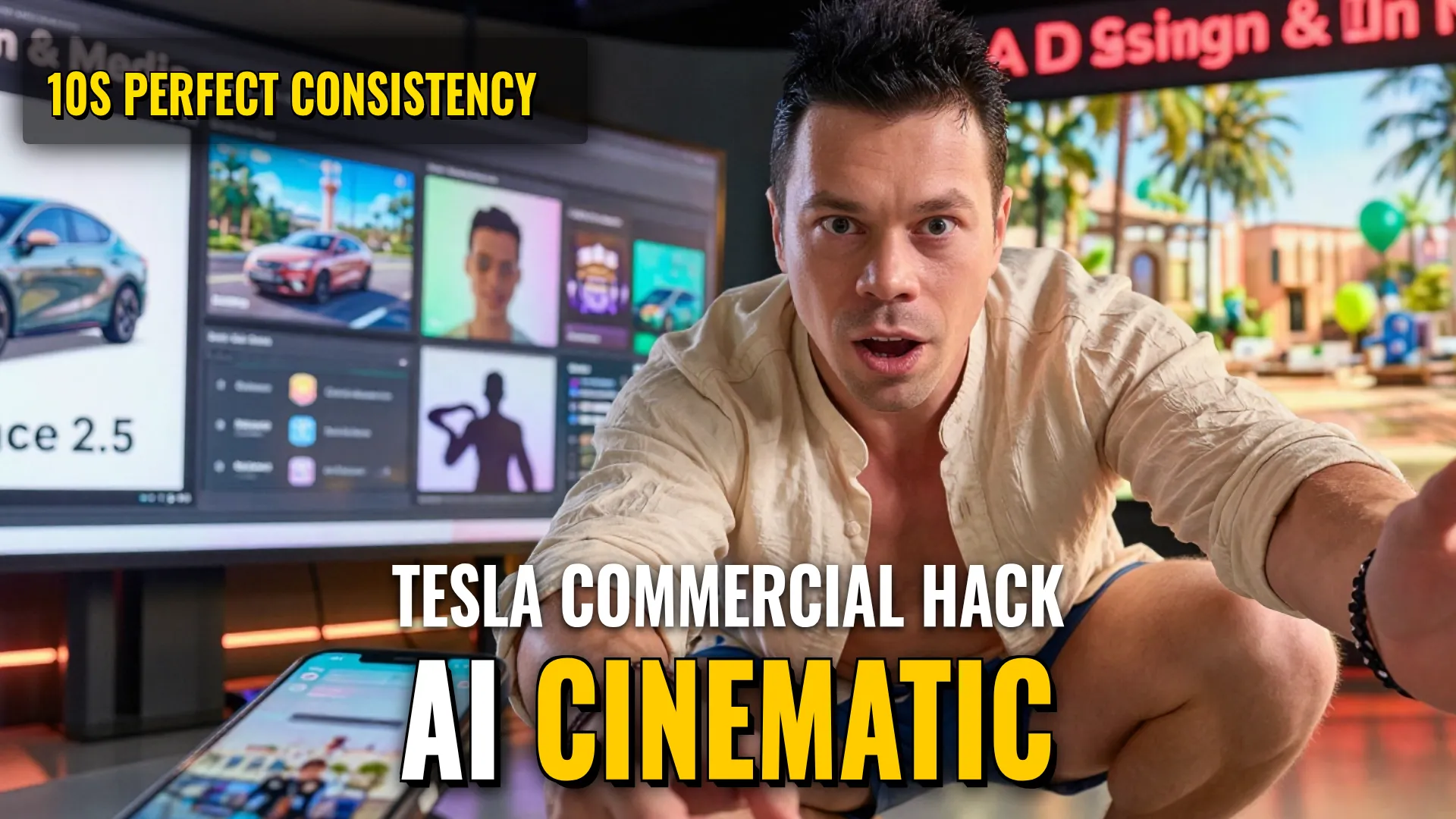
Design & Media: Creating an AI Animated Commercial Asset using Seedance 2.5
Creative Stack & Specs
- Core Toolset: VeoSeeBot (Seedance 2.5)
- Target Medium: Vertical Short-form Video (Social Media Trend)
- Key Parameters:
Aspect Ratio:9:16
Duration:10 seconds
Quality:720p / 1080p
Step-by-Step Production Workflow
- Access the tool through any way available in VeoSeeBot or similar interface settingssifmlydgoopitfefjcnreowtcluvonupstegrrtruunntuueeioovveeeedddisssseeeegettttooooffffvvyyyyvvvooooiiidddd ssiieeessee ddaasss ssaannnd mmoopp:: [Reference Image Injection Stage]
- Prepare and upload five specific reference images to ensure visual consistency:
• Photo of location (view from a window)
• Courier photo (passport style/face profile)
• Visual appearance/outfit of the courier
• The product being delivered
• Car card image (Tesla model details) - Enter requested prompt into the text field as specified via external documentation.
- Configure technical output parameters set previously (`9:16`, `10sec`).
Style Consistency & Quality Controls
- Multi-Image Referencing: Use 5 distinct layers of photographic input (location, person, outfit, object, vehicle) to prevent AI hallucination during motion or subject rendering.
- Subject Anchoring: Using passport-style photos for characters ensures better facial identity preservation across frames.
Bottom Line: This pipeline uses high-density multi-reference promptingto create highly controlled cinematic movement that simulates real-world physics like air delivery.
! DYOR (Do Your Own Research)