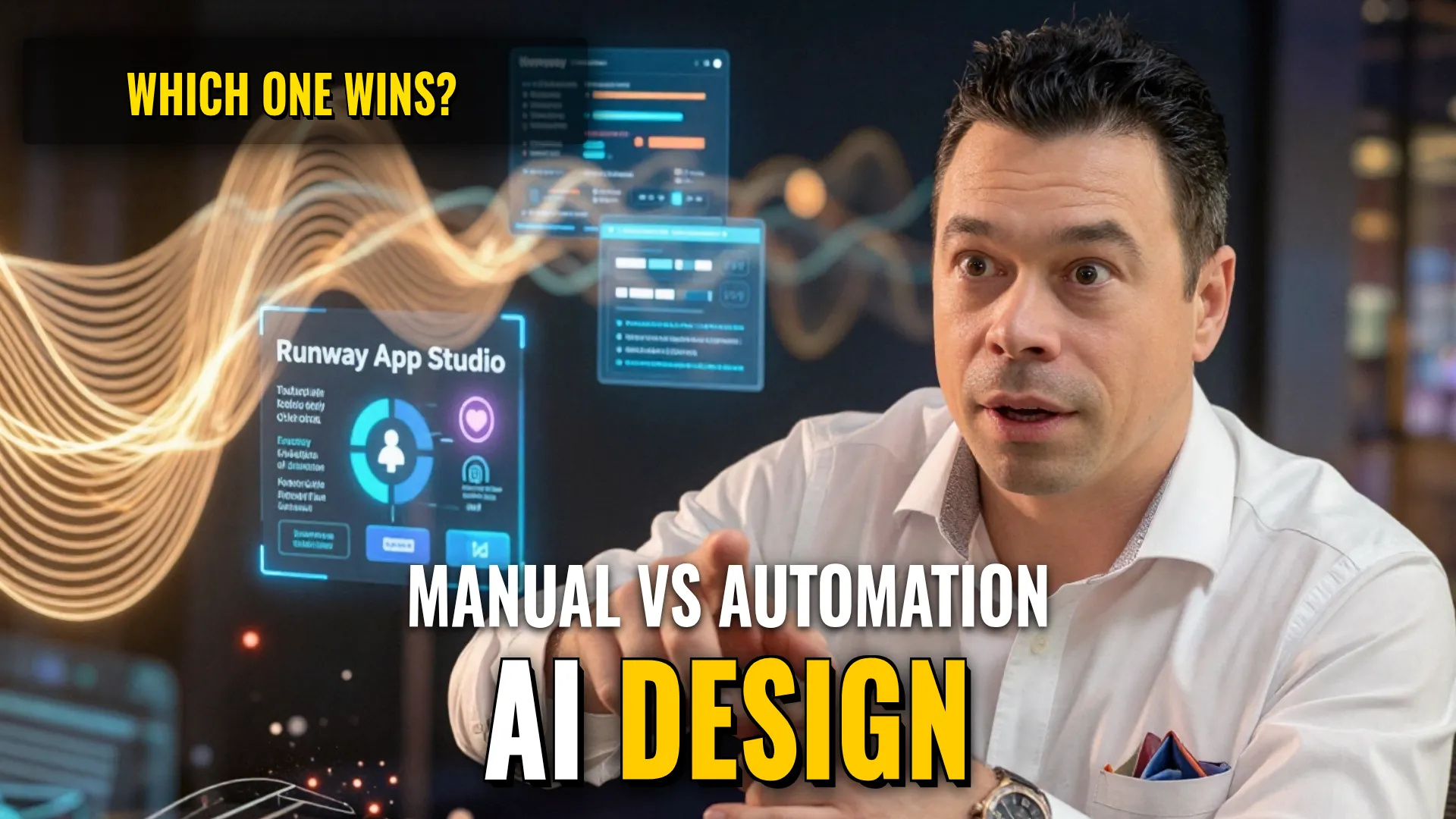
Design & Media Production Guide
Production Case 1: Interactive Abstract Animation with RITM Generator
Creative Stack & Specs:
- Core Toolset: RITM Generator (Web-based interactive generator)
- Target Medium: Animated waves or static abstract images
- Key Parameters / Controls:
- Color selection
- Texture control
- Oscillation intensity
- Line size/dimensions
- Randomization function (for rapid prototyping)
Step-by-Step Production Workflow:
- Access the web interface to set up a project.
- Manually configure visual attributes such as
colors,texture, andline_sizeif specific brand alignment is required; otherwise, use the random generation trigger for instant abstraction patterns. - Adjust oscillation enoughto reach desired movement speed ($intensity$).
- Export any resulting animation directly from the tool in ready-made video formats.
Style Consistency & Quality Controls:
- Manual adjustment of line thickness and texture density prevents unwanted cluttering.
- Direct export ensures timing consistency between waypoints or loopable animations.
Production Case 2: Scalable Asset Automation with Runway App Studio
Creative Stack & Specs:
- Core Toolset: Runway App Studio / Runway Models/app studio (integrated agentic workflow)
- Target Medium: Automated commercial assets including images, videos, and sound
- Key Parameters / Workflow Logic:
- Natural language instruction processing (
! DYOR (Do Your Own Research)