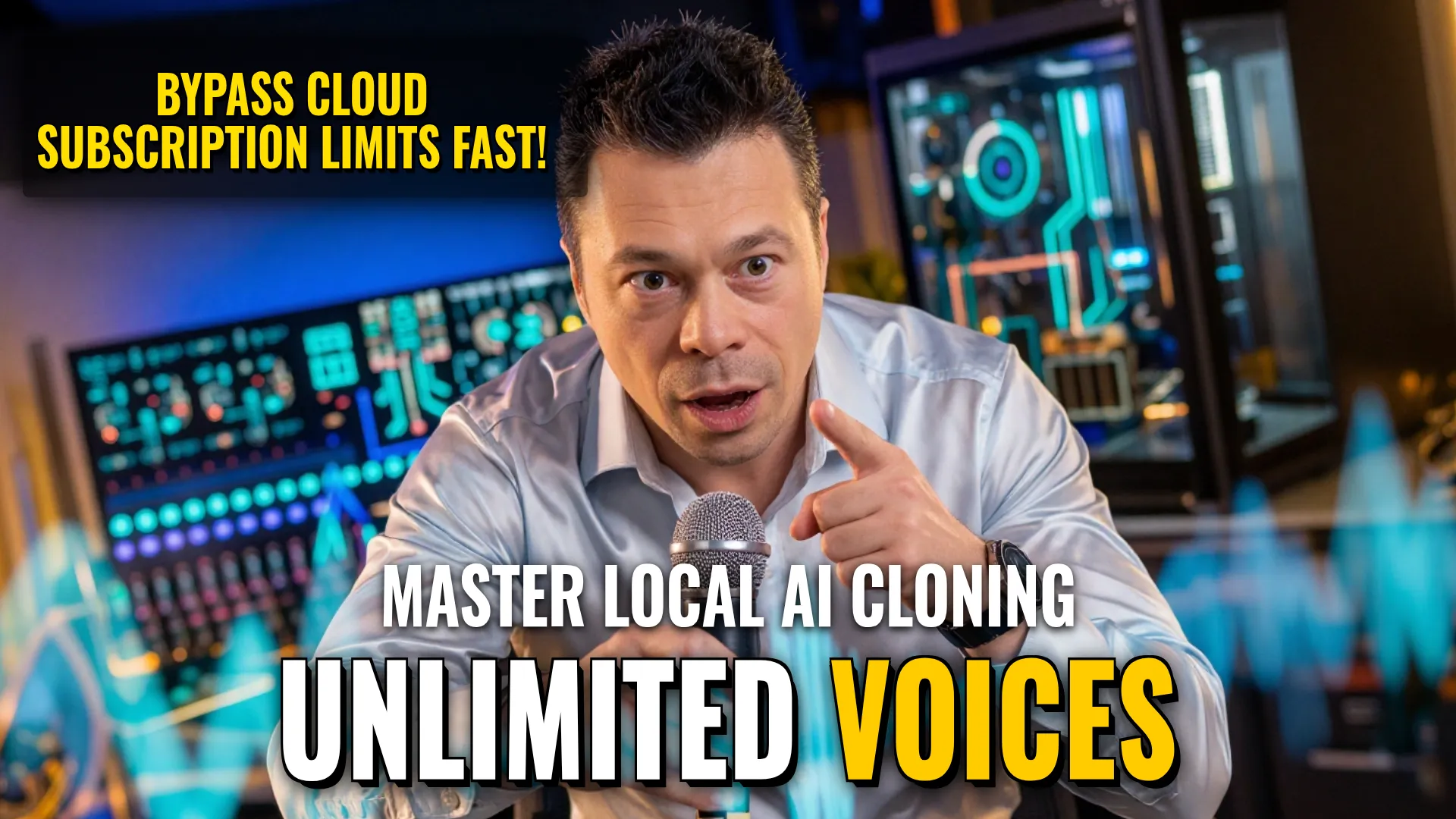
Design & Media: Creating High-Fidelity AI Voiceovers
Creative Stack & Specs
- Core Toolset: Voicebox (Local Clone) + VoiceStudio
- Target Medium: Speech Synthesis / Audio Dubbing / Podcast Generation
Step-by-Step Production Workflow
To produce complex audio projects like podcasts or narrated videos, follow these pipelines:
Pipeline A: Rapid Local Voice Mimicry (Voicebox)
- Upload a short clip of target audio to perform instant voice cloning.
- Generate speech from any text input using the newly cloned voice profile (`text-to-speech`).
- For multi-person dialogues, assemble multiple clones into single conversations/podcasts locally on PC.
Pipeline B: Batch Narration & Roleplay (VoiceStudio)
- Install software package (>8GB full install option available).
- Download necessary models for specialized cloning and generation tasks via installer.
- Utilize
Audiobook modeto assign specific roles for long-form narration. - Execute batch dubbing processes without subscription limits or cloud latency.
- (Optional post-process): Integrate with Claude AI prompts to generate script content before passing it to heavy production rendering.
Style Consistency & Quality Controls
- Local Storage Management: Keep all projects and recordings stored locally on your hardware (PC) for privacy and speed.
- Hardware Optimization: Ensure high GPU performance (e.g., RTX 5070 Ti class) or higher a certain level of processing owns ability handle large datasets quickly.
- Quality Warning [Comparison]: Note that VoiceStudio quality may be slightly lower out-of-the box compared to ElevenLabs, specifically regarding accentuation/stress placement (`ударения`). Use careful text prompting if targeting perfect prosody.
Bottom Line: This workflow enables unlimited local voice synthesis and roleplay automation, bypassing the cost barriers and restrictions of cloud subscriptions like ElevenLabs while maintaining fast turnaround times via direct PC execution.
! DYOR (Do Your Own Research)